Temperature Sensing
This project started as a small side task to build a temperature sensor to monitor a freezer at a food pantry. It is still focused on that, but has become a critical part of my own self-learning journey. Here is a sample of one of the sensors, showing the boot up POST screen:
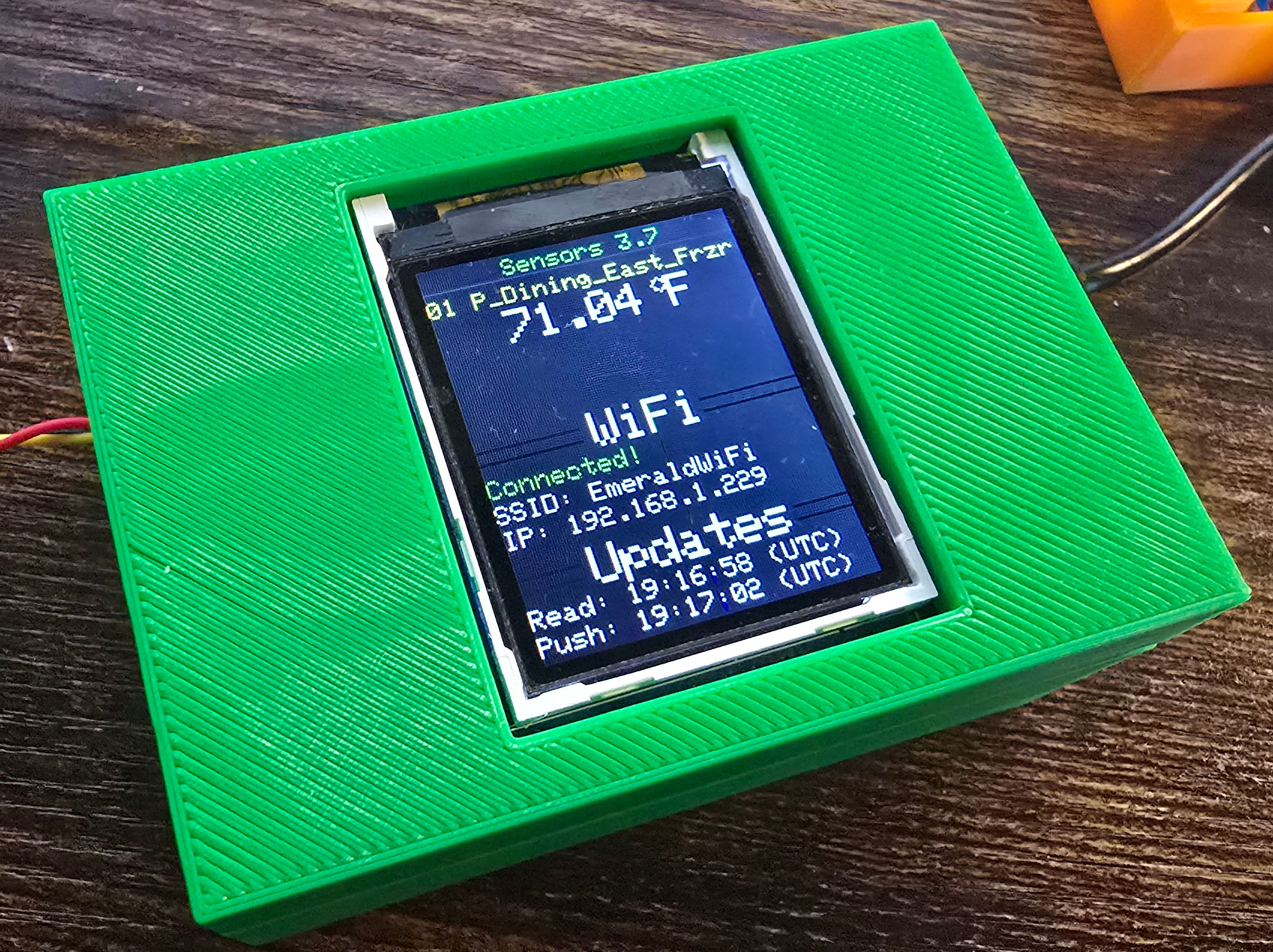
In summary, the temperature sensors are based on:
a compact and simple 3D printed box (case and lid), with STL files provided
a Raspberry Pico W to do all the computing
a small TFT screen for local readout
common DS18x20 temperature sensors
an array of screws and components, with a full parts listed provided
custom-built MicroPython with temperature sensor code frozen in place, with complete firmware provided
full documentation, including a separate assembly instruction manual provided
polished provisioning step leveraging the Pico’s Wi-Fi access point
flexible code that utilizes abstract screen, config, and controller base classes
fully tested source code, targeting 100% coverage
leverages GitHub to store the data, build the dashboard, run checks, and alert for out of range temperatures or unresponsive units
Contents:
- Building Your Own
- Required Tools
- Parts List
- First Steps
- Wiring Details
- Flashing the Pico
- Installing the Factory Reset Switch
- Temperature Sensor(s)
- Installing the Pico
- Installing the Sensor Breakout Board
- Final Wiring
- Manually Copying Firmware Files
- Provisioning the Runtime Configuration
- RGB Check
- Final Steps
- Normal Operation
- Screen Details
- FAQ
- Pinout Diagram
- Developer Topics